Tasks in Gemini: Google's AI Now Makes Phone Calls, Fills Carts and Uses Your Mac
Google has turned Gemini from a chatbot into an assistant that does the errand: Tasks in Gemini can phone local businesses with Duplex, shop with the Agent Payments Protocol, act on forwarded emails and texts, and click through apps on your Mac. Here is what each feature does, who can use it and the safeguards Google built in.
What Google announced
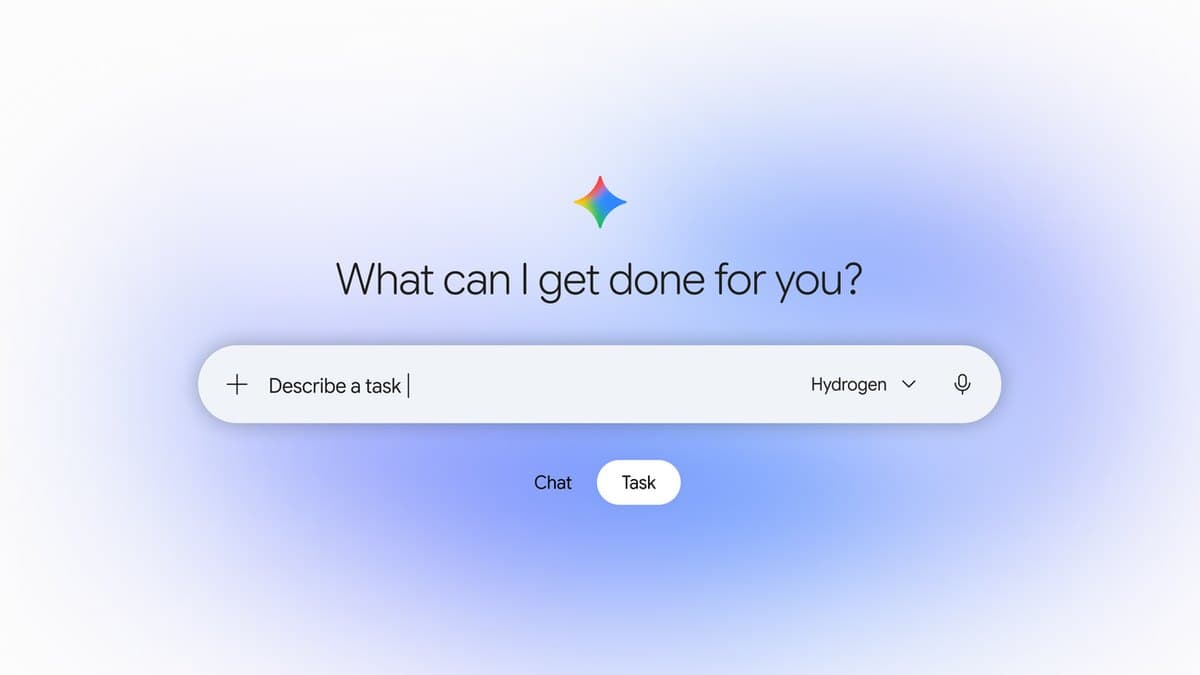
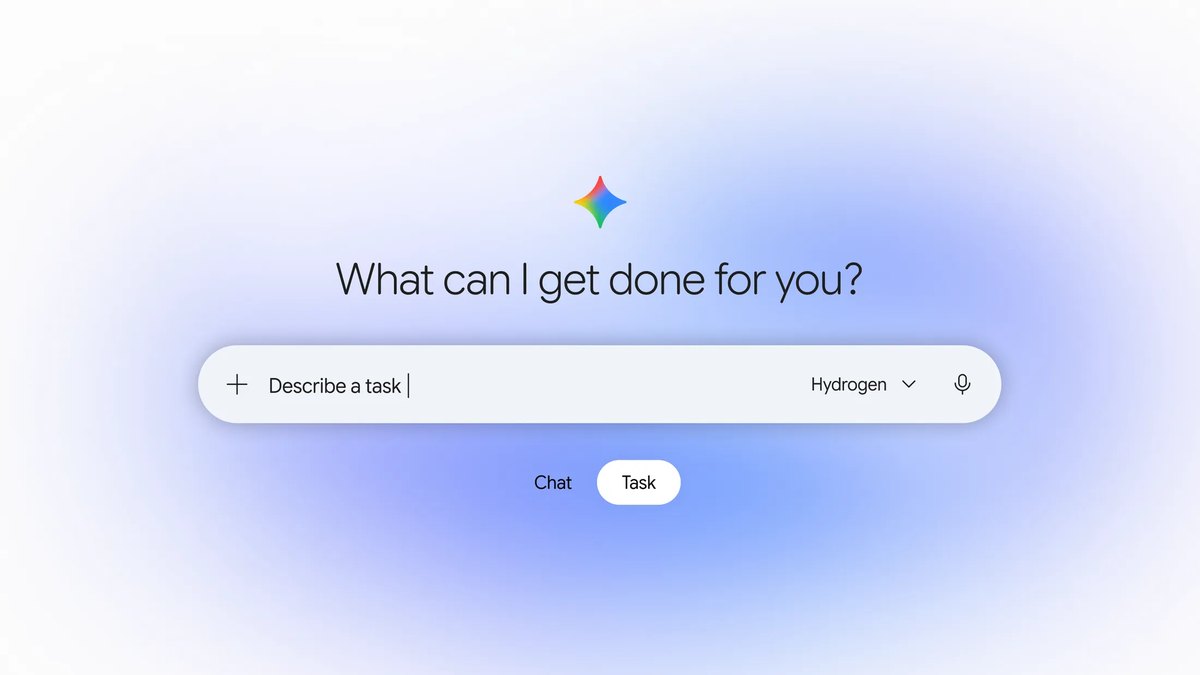
In the week of November 17, 2026, Google rolled out a set of agent features under one name: Tasks in Gemini. Open Gemini, flip the home-screen toggle from Chat to Task, and describe what you need done. Josh Woodward, Vice President of Google Labs, the Gemini app and AI Studio, says the update is rolling out free of charge for hundreds of millions of people in the US, Japan, Korea, Canada, Australia and India, using the new Gemini 4 Hydrogen model. A set of advanced features, including phone calls, starts in the US. Two days later Google added computer use in the Gemini app for Mac. This page is the long-form briefing behind the BSH Technologies Instagram carousel, with every claim linked to Google's own posts and help pages.
1. Gemini phones local businesses for you
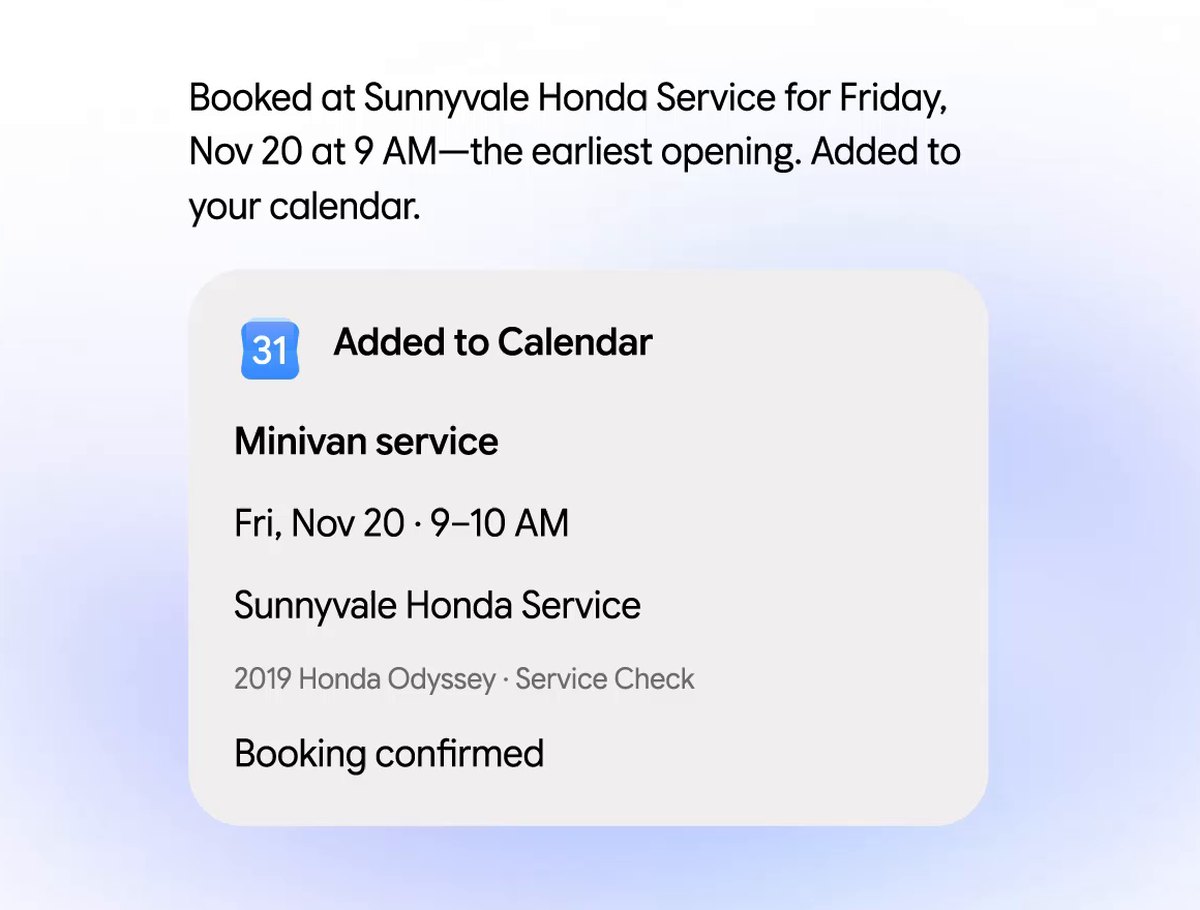
The headline feature is calling. In Google's example, Woodward asked Gemini to get the family minivan serviced early on a Friday morning. Gemini found the two nearest dealerships on Google Maps, called both at once, sat through the hold music, booked the shop that takes appointments and added the slot to his Google Calendar, all in under five minutes.
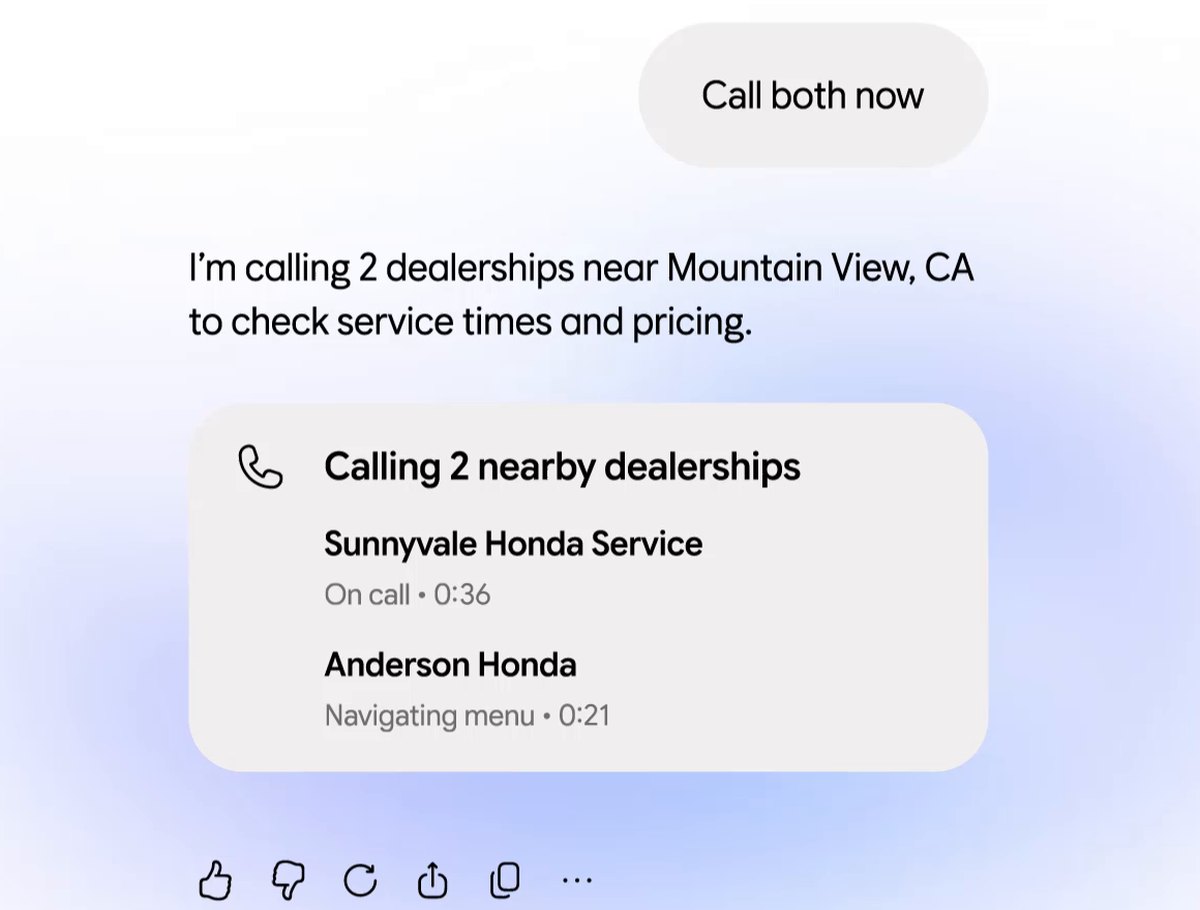
According to Google's help page for Gemini calls, you must be 18 or over, in the United States, signed in with a personal Google Account and using English. Gemini calls only Google-verified US businesses, from a Google virtual number, and you review the number it will call and the details it will share before you tap Call now. Every call opens by saying it is an AI assistant from Google on a recorded line. Calls are not available in some US states because of state rules.
2. The voice behind the calls is Google Duplex
The calling engine is not new. Google Research explains in "How Google Duplex evolved to also call businesses for you in Gemini" that Duplex was introduced in 2018 using narrow, task-specific models. It later used early generative models with strict guardrails, and now runs on a unified stack in which Gemini handles understanding, planning and dialogue. The team tuned it for sub-second replies on noisy phone lines, from kitchens to espresso machines.
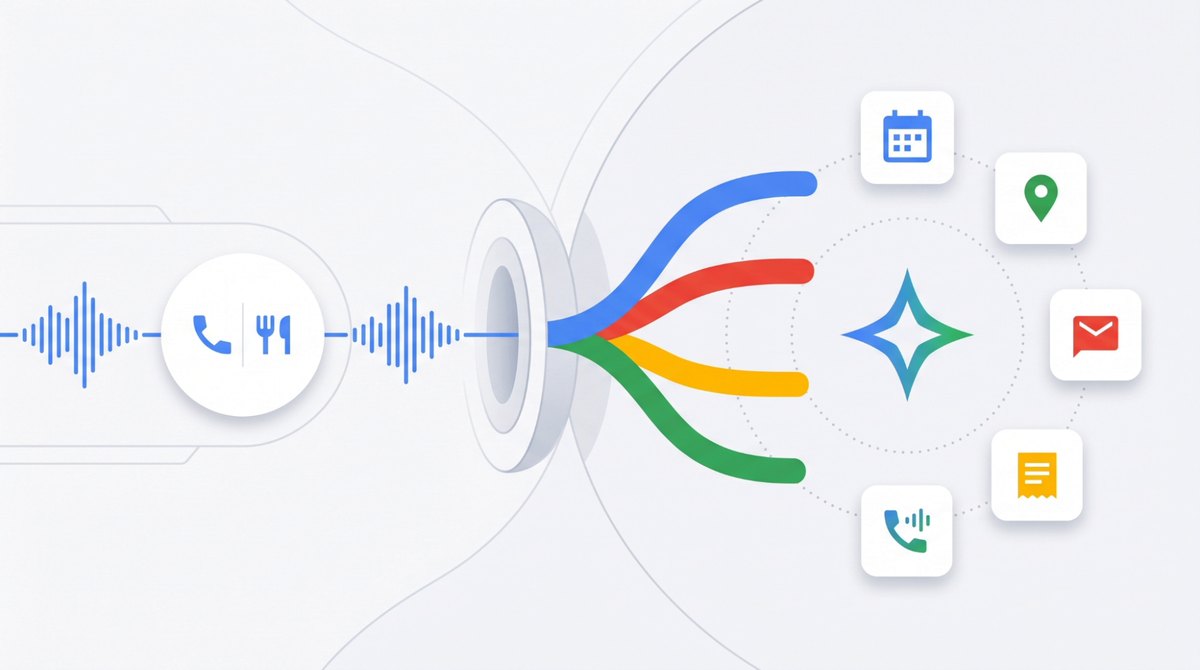
Google says the design has to work for the business too. Merchants can opt out of automated calls in their Google Business Profile, or simply say "Please stop calling my business" during a call. There is no software for the business to install: whoever answers the phone handles the call as they would with any customer.
3. It fills carts and pays, within your limits
Tasks in Gemini can also shop. You can text Gemini over RCS, for example "add lasagna, strawberries, cucumbers and vanilla ice cream to our Instacart order", send a photo of an empty cereal box with "add this too", and Gemini adds the items before handing you to Instacart to check out. Google says Gemini now connects with more than 60 popular apps.
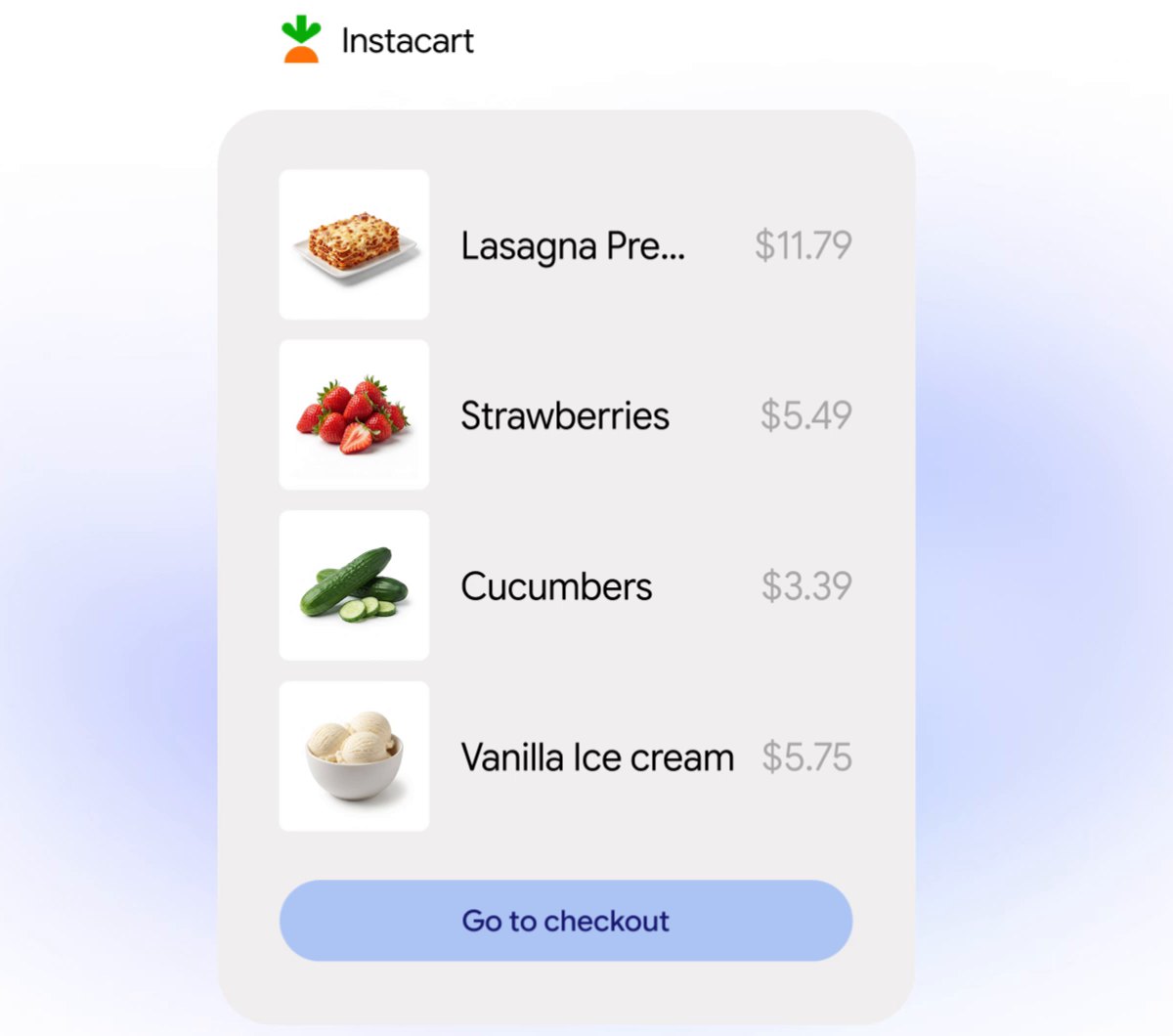
For purchases, Gemini uses the Agent Payments Protocol (AP2), with Mastercard and Visa (and American Express coming soon) protecting payments with digital tokens on supported cards. You can set a hard spending cap up front, you keep your card's points and protections, and Gemini is designed to ask for confirmation before it clicks "Buy". If you followed our coverage of ChatGPT Wallet and AI agent payments, this is Google's answer for its own ecosystem.
4. It clicks through apps on your Mac
On November 19, Google added computer use to the Gemini app for Mac. Describe a multi-step job and Gemini navigates menus, types, clicks and fills in forms across local files, desktop apps and the web. It works inside an isolated background window with a live preview in your chat, so your own screen and cursor stay free. You choose which apps it can use, can pause at any time, and approve key actions before they happen.
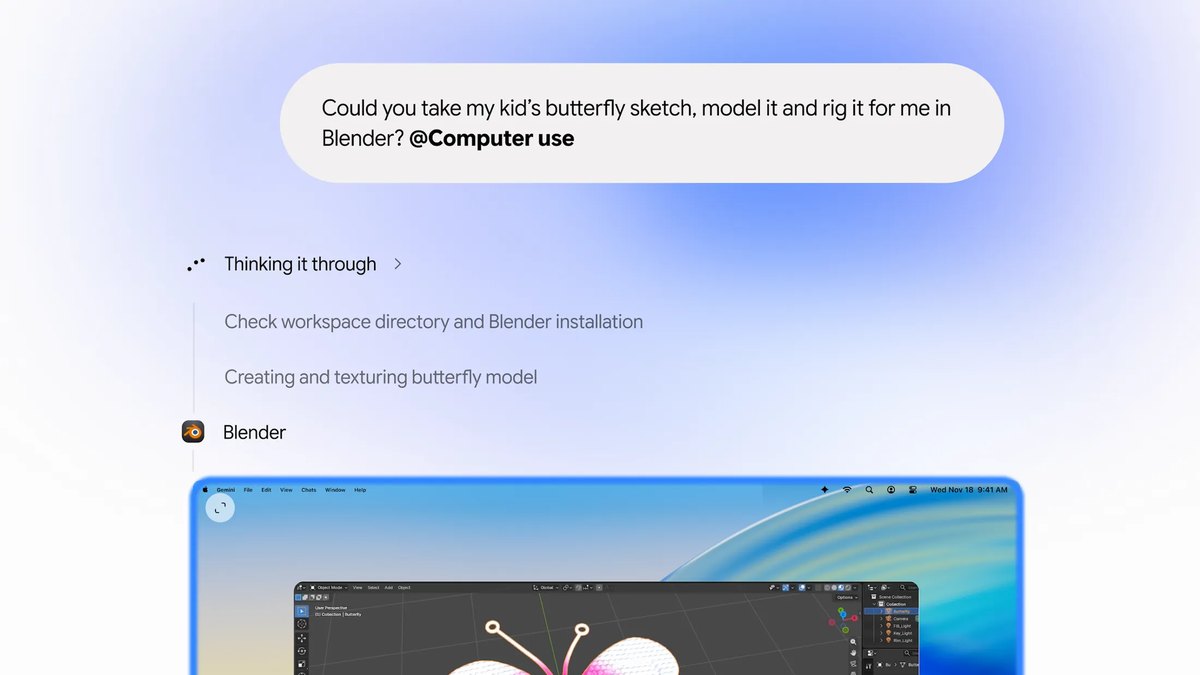
Google's examples include batch colour-grading photos, filling multi-box shipping quotes from local PDFs, building a Google Slides deck from live dashboards and staging resale listings from a folder of photos. Per Google's help page and the announcement, it needs an Apple silicon Mac running macOS Sequoia 15 or later, a personal Google account (18+) and a Google AI Plus, Pro or Ultra plan. The first time Gemini wants an app, it asks you to deny, allow or always allow it. Download it at gemini.google/mac. For why OS-level permissions matter with desktop agents, see our explainer on macOS Full Disk Access and AI agents.
5. Forward an email or send a text
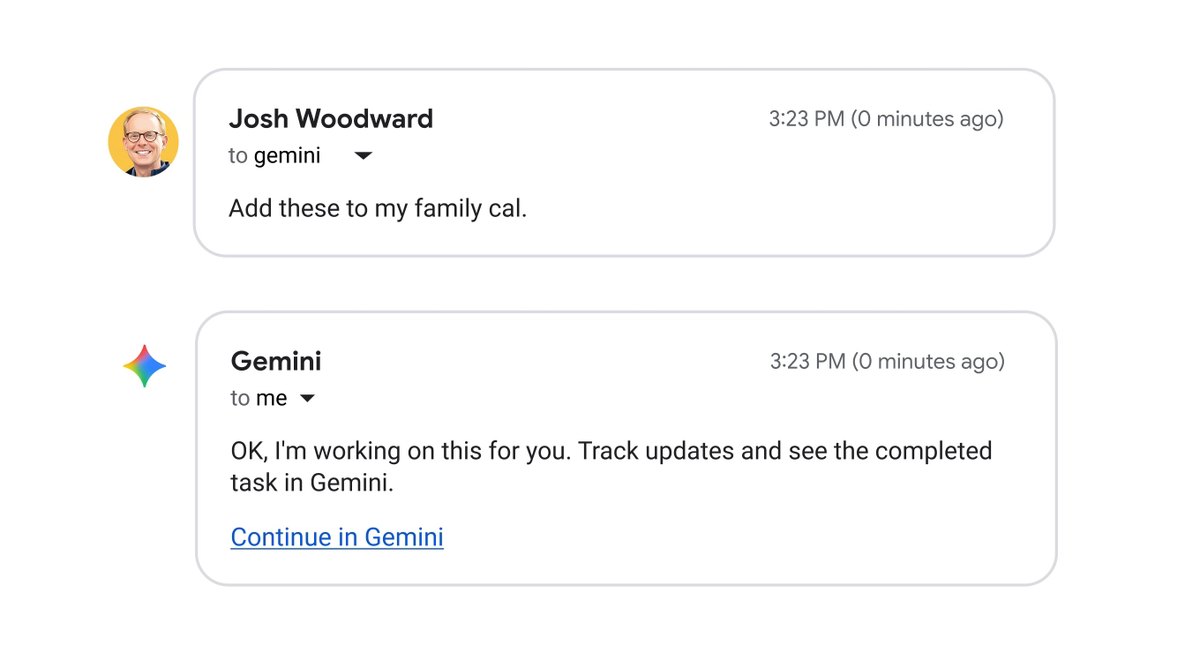
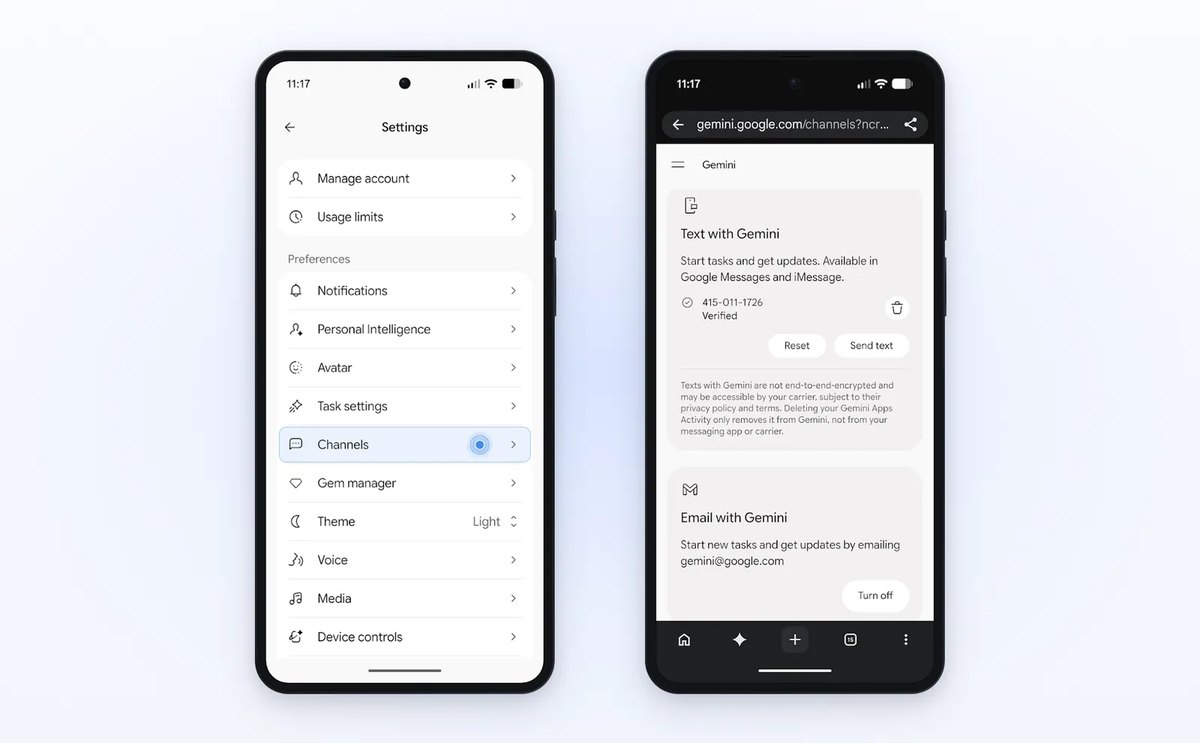
Tasks do not have to start in the app. In the US you can forward emails to gemini@google.com or text Gemini after verifying your phone number under Settings, Channels. Woodward forwarded a batch of school emails and, in under a minute, every date was on his calendar with his wife invited. Gemini even spotted a clash with basketball practice and offered to text another parent about carpool duty.
How Google says it protects your data
- Isolated virtual machines: each task runs on Google Cloud's Agent Compute Engine in a hardware-isolated virtual machine dedicated to your account and never shared with other users.
- Layered defences: prompt-injection filters scan search results and webpages, and Google Safe Browsing limits which links Gemini can open. Google details this in its defence-in-depth write-up.
- Checkpoints: Gemini pauses before critical steps such as purchases, and you can set routine actions to "Always allow".
- Control: you can change task settings, disconnect apps or delete chat history at any time.
What is still worth noting
- Google says it has not eliminated mistakes. Some sites still hand the screen back to you for the final click while the web adapts to personal assistants.
- Availability is uneven. The free rollout covers six countries including India, but calling, texting and email forwarding start in the US, and Mac computer use needs a paid AI plan.
- An agent that phones businesses, holds your payment tokens and controls your apps is powerful. Review what you allow, as independent outlets such as TechRepublic also stress the consent and transcript controls.
What it means for businesses
Your next customer call may come from an AI assistant. Make sure your Google Business Profile is accurate, decide whether to accept automated calls, and train staff to treat them like any other booking. If your product lives on the web, test how agents navigate your checkout. The same agent wave is showing up across the industry, from Gemini 4 Neon to OpenAI's payment agents. If you want help preparing your business or building your own AI workflows, talk to BSH Technologies.
Sources
- Google: How to use Tasks in Gemini for personal assistance (November 17, 2026)
- Google: Automate Mac tasks with Gemini computer use (November 19, 2026)
- Google Research: How Google Duplex evolved to also call businesses for you in Gemini (November 20, 2026)
- Gemini Apps Help: Ask Gemini to make phone calls to businesses
- Gemini Apps Help: Use Gemini to work with apps on your Mac
- Google Cloud: Agent Payments Protocol (AP2)
- Google Cloud: Agent Compute Engine
- Google: Gemini's defence-in-depth approach
- Google Business Profile Help: opt out of automated calls
- TechRepublic: This Week in Tech, Gemini makes the call
Frequently asked questions
What is Tasks in Gemini?
Tasks in Gemini is Google's agent mode for the Gemini app. You switch the toggle from Chat to Task and describe a job, and Gemini carries it out, for example calling businesses, filling a shopping cart, analysing bills or adding emailed events to your calendar.
Can Gemini make phone calls for me?
Yes, in the US. Gemini can call Google-verified US businesses to check hours, availability or quotes and to book appointments. You must be 18 or over and use a personal Google Account in English, and every call starts by saying it is an AI assistant from Google.
Is Tasks in Gemini available in India?
Google says the free Tasks update is rolling out in the US, Japan, Korea, Canada, Australia and India on Gemini 4 Hydrogen. Advanced features such as phone calls, texting Gemini and forwarding emails start in the US.
What do I need for Gemini computer use on Mac?
An Apple silicon Mac running macOS Sequoia 15 or later, the Gemini app for Mac, a personal Google account for users 18 and over, and a Google AI Plus, Pro or Ultra plan.
How does Gemini keep tasks safe?
Each task runs in a hardware-isolated virtual machine dedicated to your account on Google Cloud's Agent Compute Engine, with prompt-injection filters and Safe Browsing. Gemini asks before critical steps like purchases, and you choose which apps it can use.
From the blog
View all posts
Google DeepMind's Gemini Agents Found Faster Quantum Algorithms and Proved Them in Lean
Teams of Gemini 4 agents at Google DeepMind cut the cost of quantum programs for fusion, drug-metabolism and photochemistry simulations by up to 11.8x, made a common arithmetic routine 290x cheaper, and proved every circuit correct in the Lean theorem prover. Here is what they found, how the agent teams worked and what it does and does not mean for quantum computing.


Anthropic Rewrote Its Messages API in Rust With Claude: How It Verified the Migration
Anthropic moved the Messages API that serves Claude from Python to Rust, with Claude agents finding and fixing differences on shadowed production traffic. The result: about 70% less CPU per request, over 80% less memory and a 20% faster median time to first token, with no downtime. Here is how the verification worked and what it means for teams.